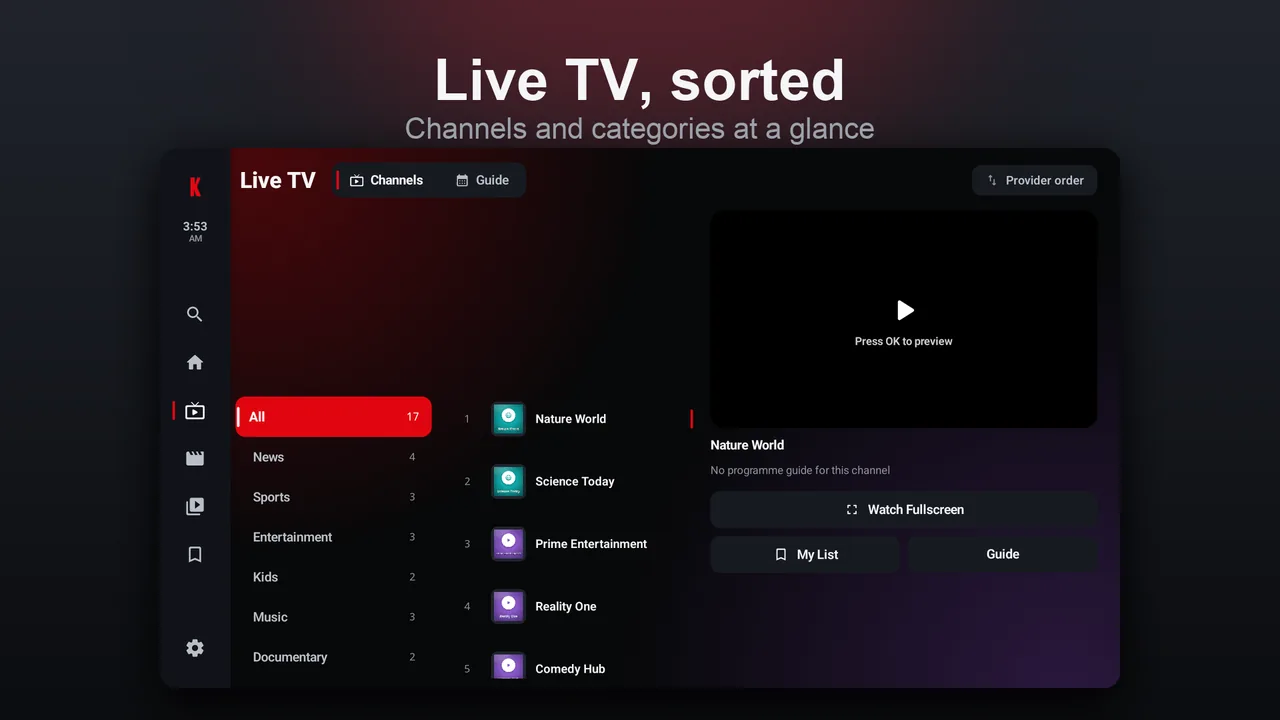
Live TV & EPG guide
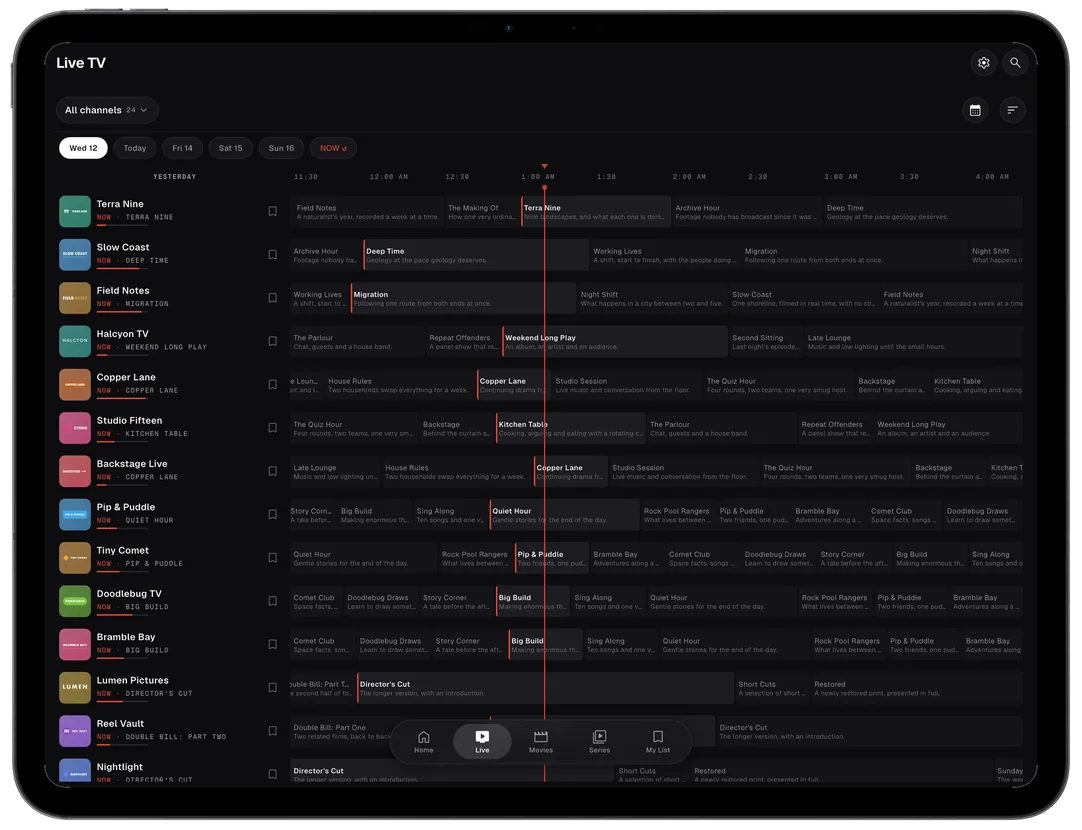
A fast, scrollable channel guide with now-and-next program data, categories and instant zapping.

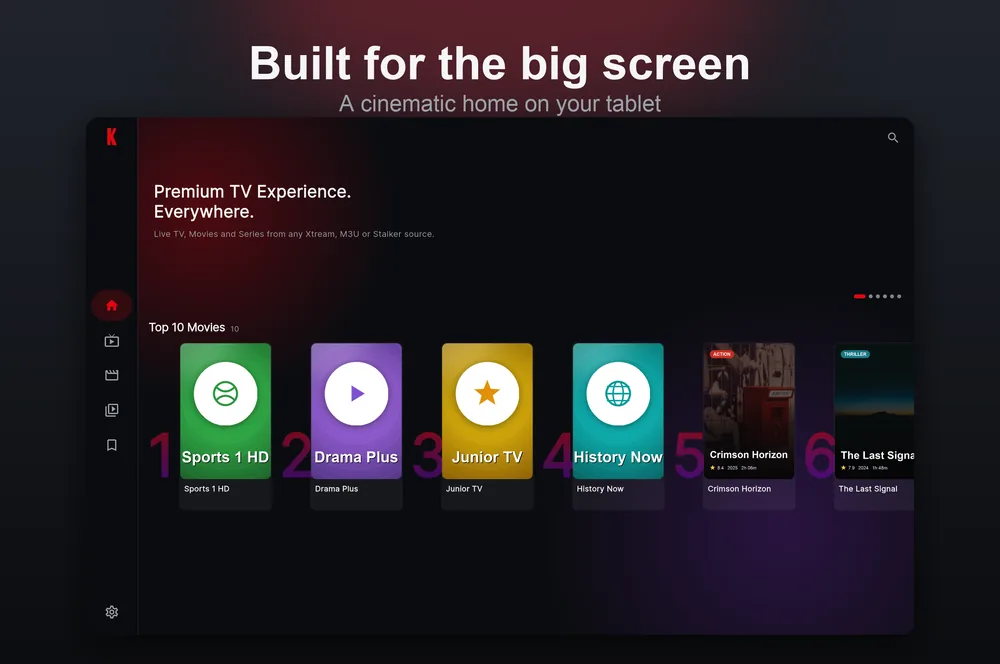
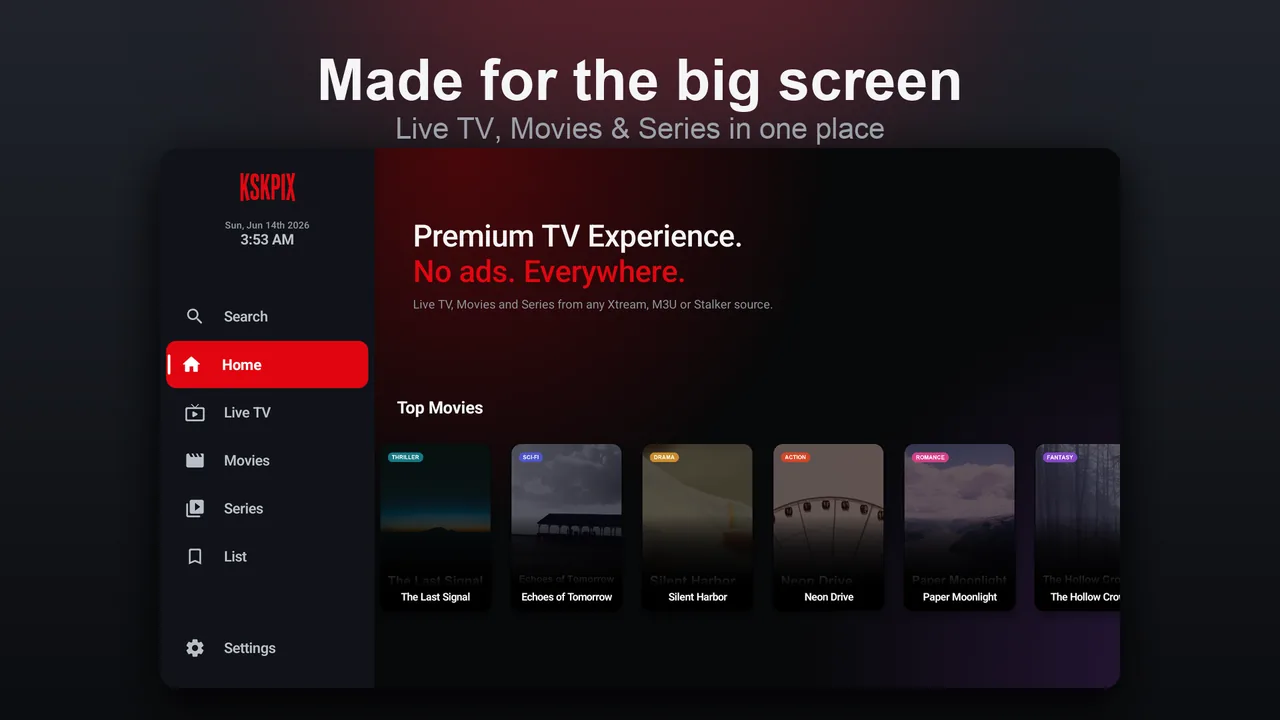
Live TV, Movies & Series from any Xtream, M3U or Stalker source — in one beautiful player built for phone, tablet, Android TV and Apple TV. No ads. No account. No cross-app tracking.


On the App Store for iPhone, iPad & Apple TV and Google Play for Android — or install any build directly.
Everything in one place
A fast, scrollable channel guide with now-and-next program data, categories and instant zapping.
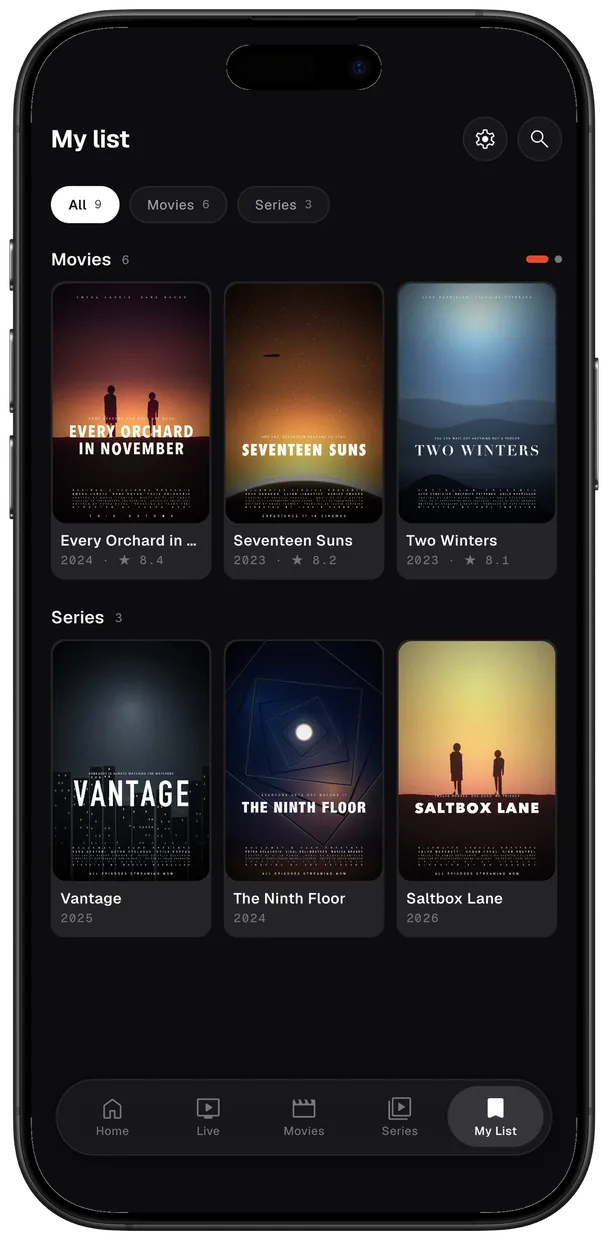
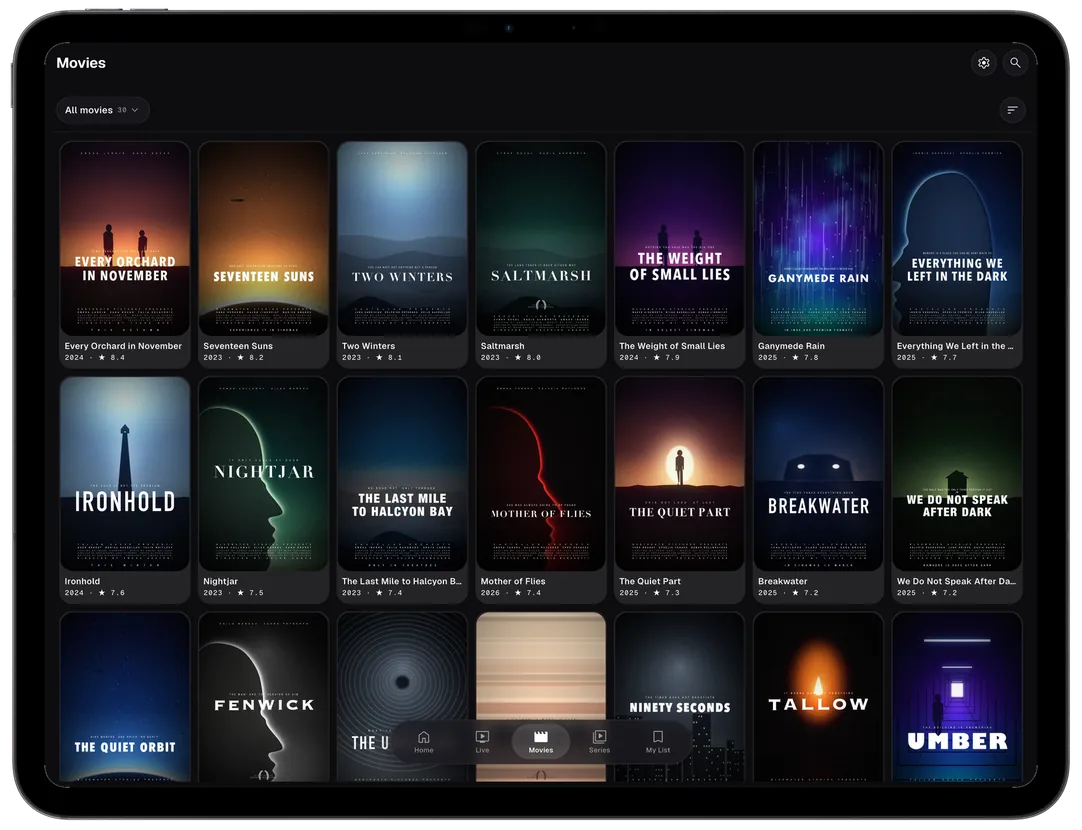
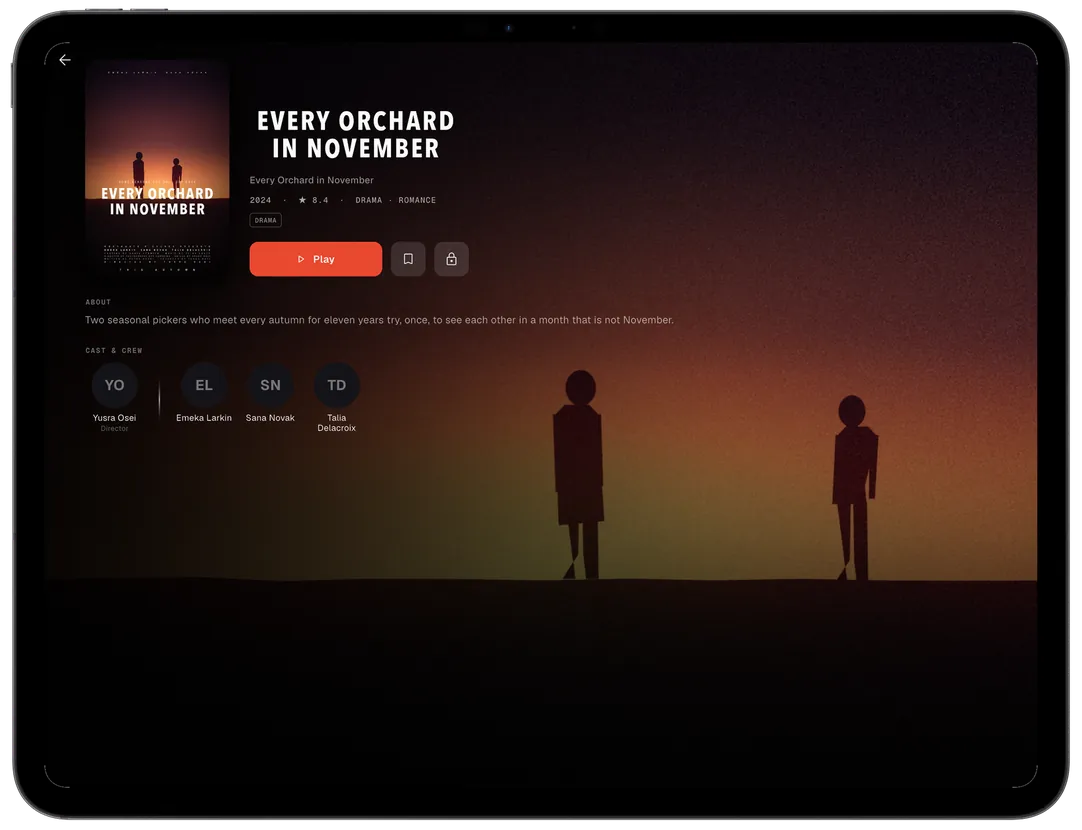
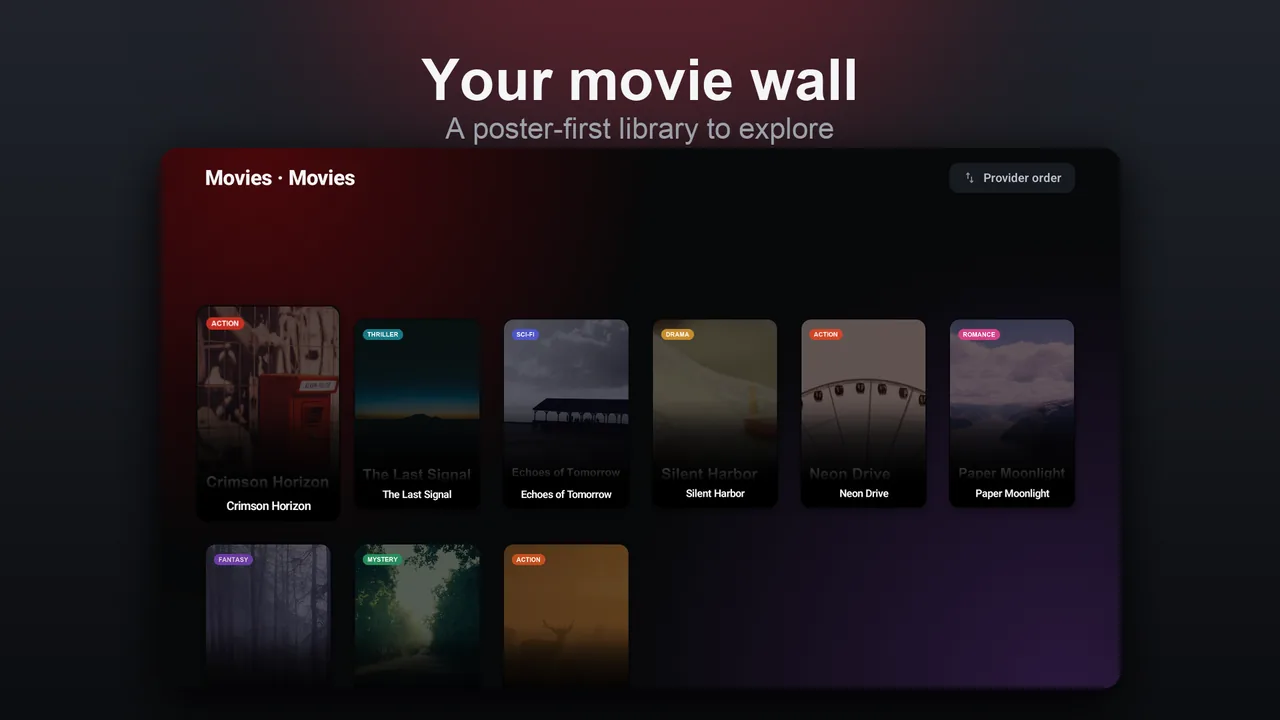
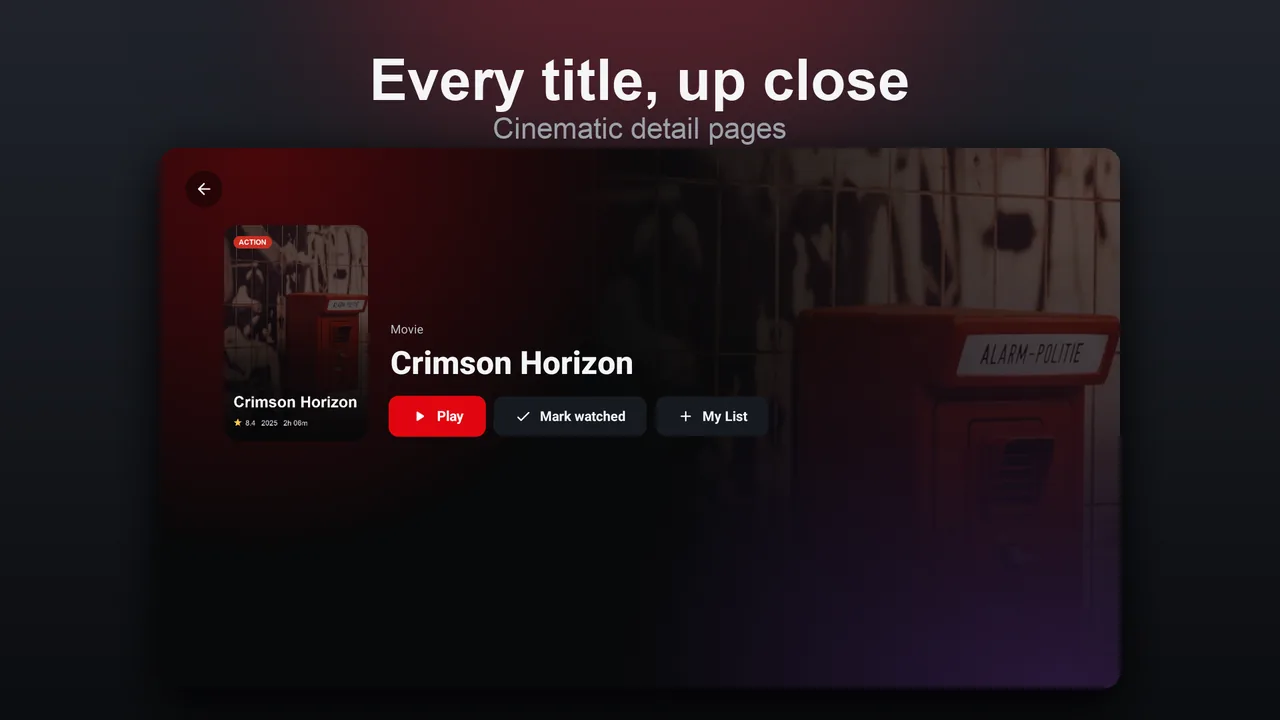
Cinematic posters, detail pages and Top-10 rows — your VOD library laid out like it should be.
Add Xtream Codes, an M3U playlist or a Stalker portal from the provider you already use. KSKPix ships empty.
Multiple accent themes plus layouts tuned for phone, tablet and the 10-foot TV experience.
Hide channels, categories or whole sections behind a 6-digit PIN. Lock once, unlocked for the session.
Export a .kskpix file with your sources and settings, then restore it on another device.
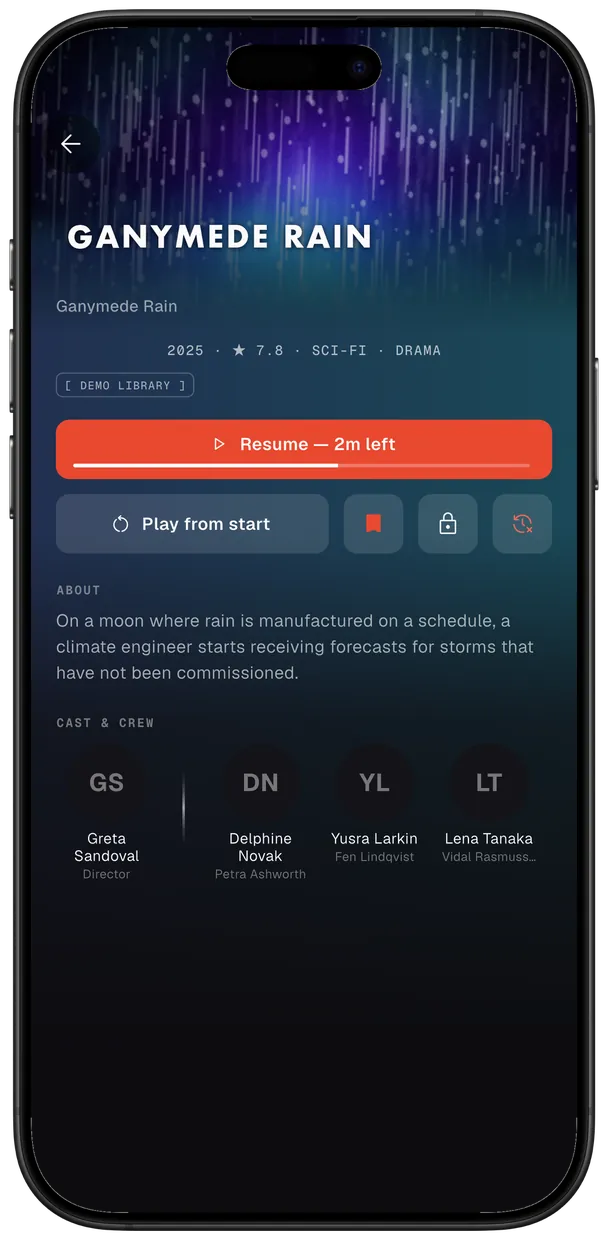
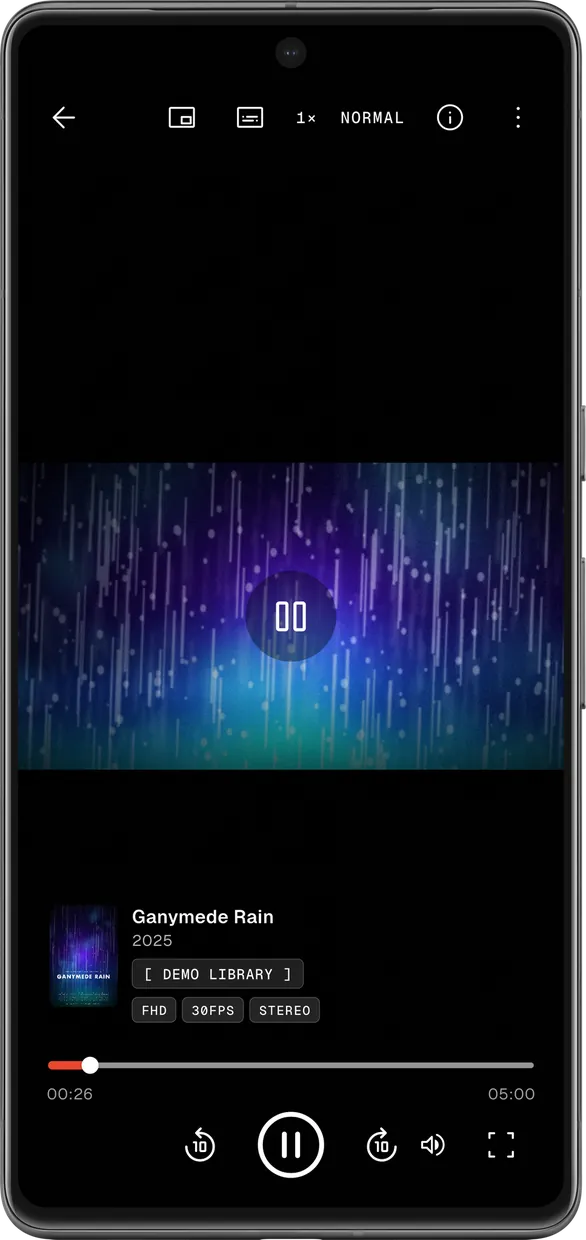
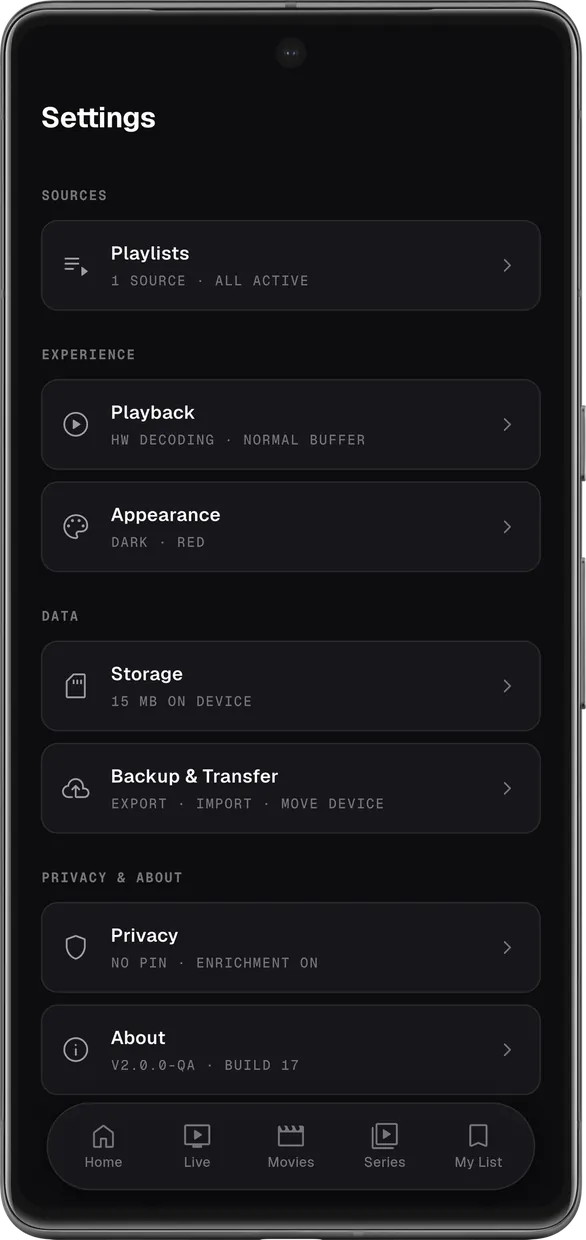
A look inside
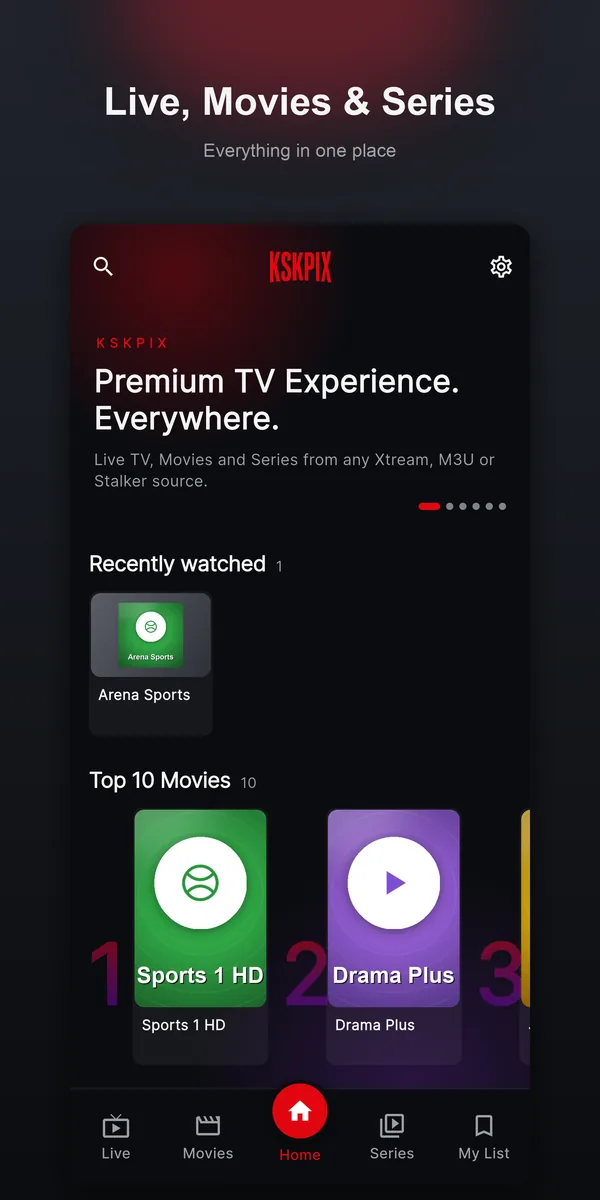
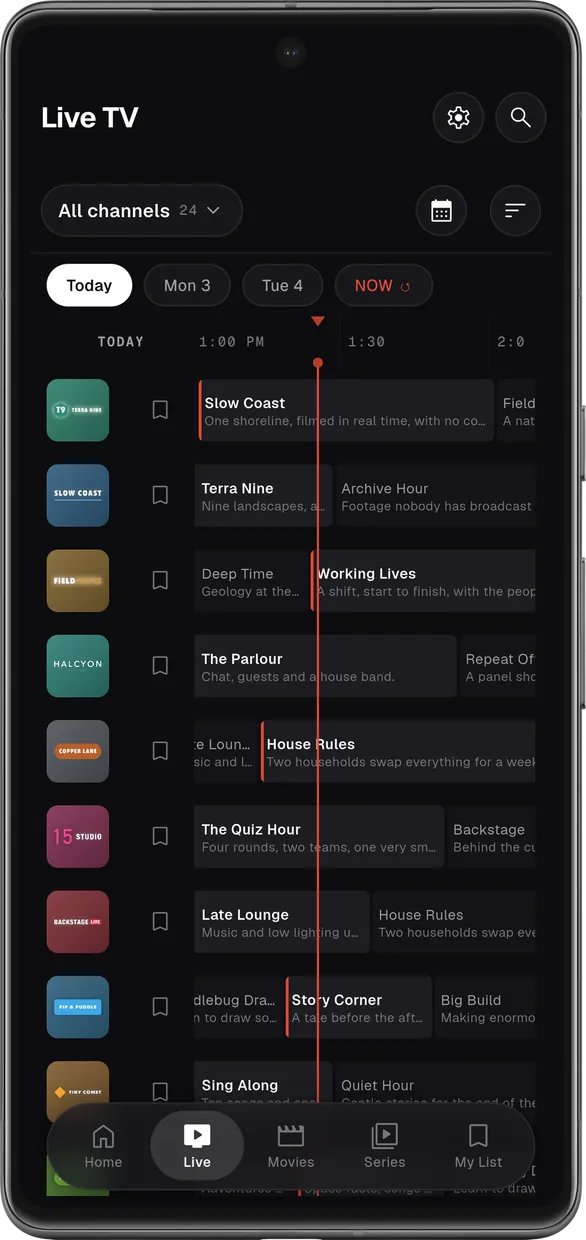
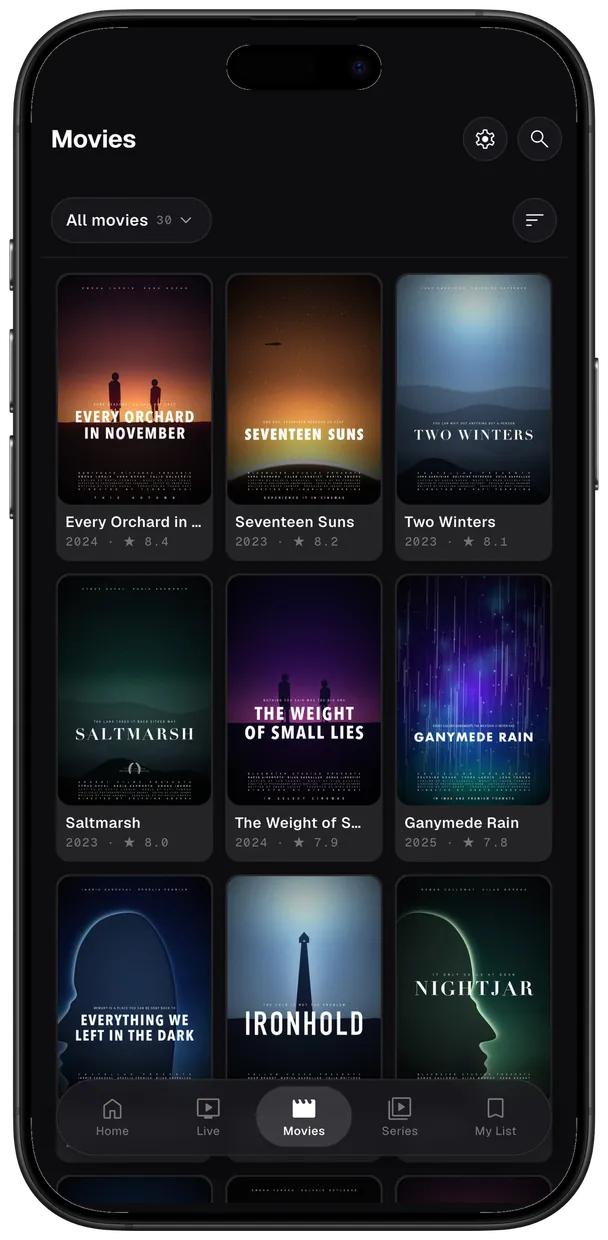
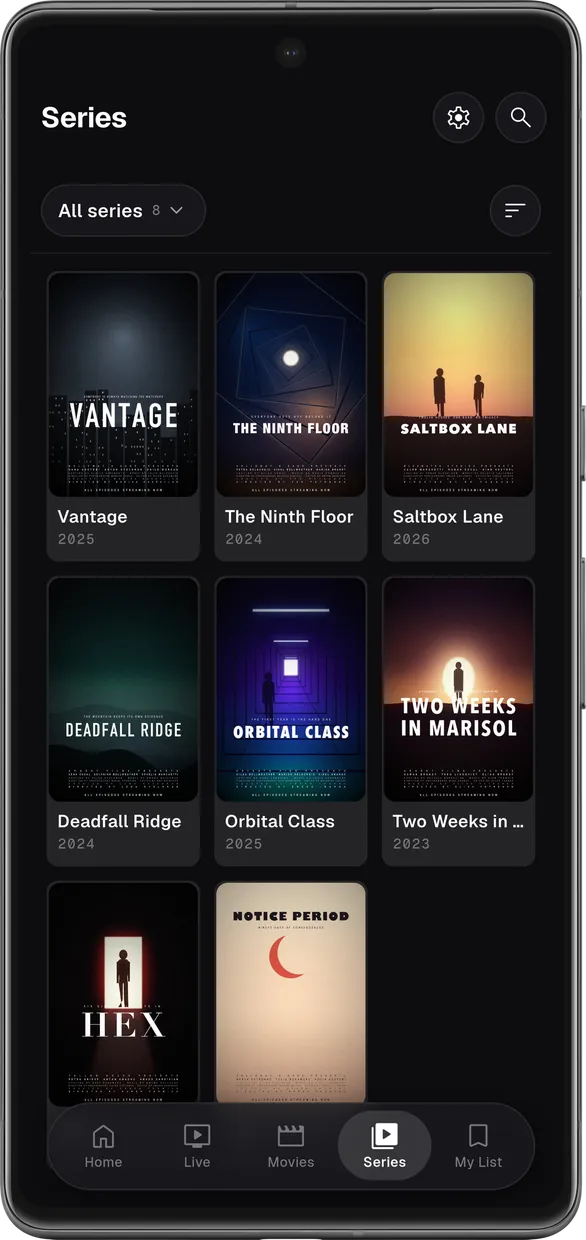
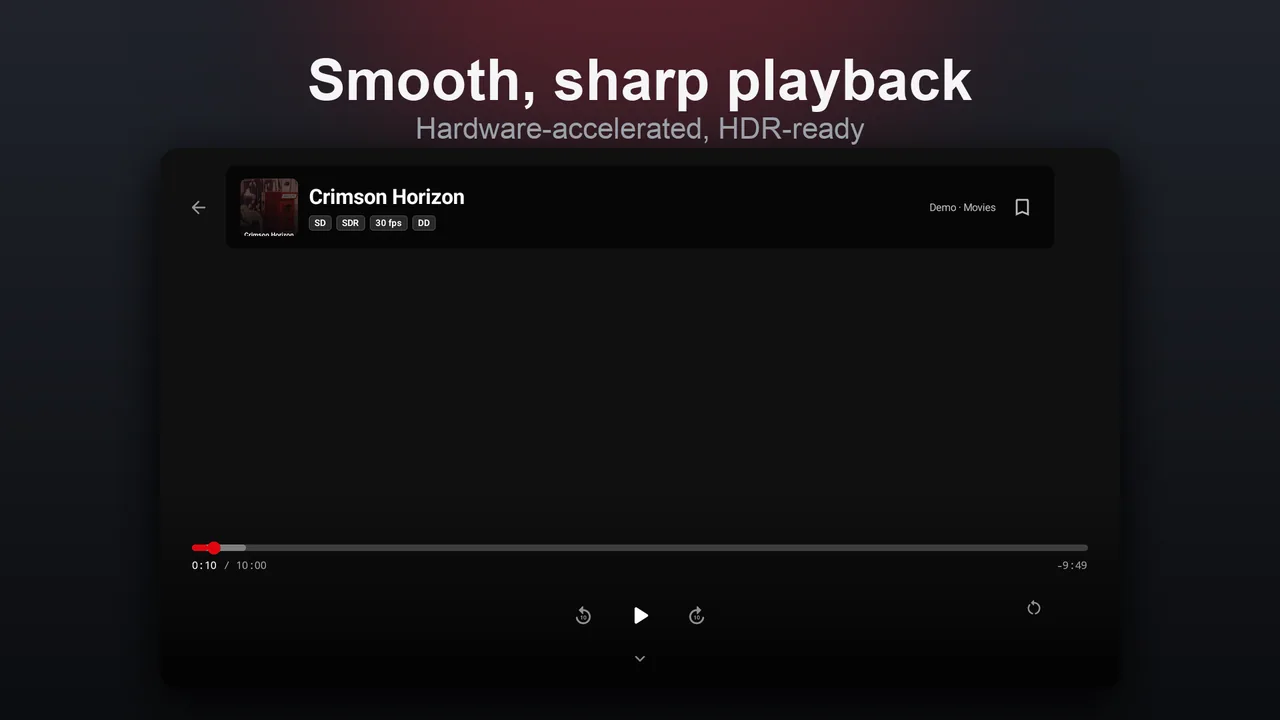
Install it now
On iPhone, iPad & Apple TV, get KSKPix on the App Store. On Android, get it on Google Play — or install any build directly below.
The full mobile build for Android phones and tablets.
Download APKPrefer the store? Get it on Google Play. For the APK, open the file and allow installs from your browser when Android asks. iPhone & iPad: App Store.
Install on Fire TV, Google TV or any Android TV box with the free Downloader app (by AFTVnews):
Downloader code
In Downloader, enter this URL
ksktech.dev/kskpix/tvOr download the TV APK directly and sideload it.
Open the app, choose Add Source, pick Xtream Codes, M3U or Stalker, and enter the details your provider gave you. KSKPix ships with no content of its own.
There is no account and no sign-up, and your sources, credentials and playlists stay on your device — we never receive them. The app does send anonymous crash reports and usage statistics so we can fix bugs; that is on by default and you can turn it off any time in Settings. It never includes what you watch. See our Privacy Policy.
Yes — completely free, and there are no ads. No banners, no interstitials, no ad SDKs, anywhere in the app. Ad-free is a core part of what KSKPix is.
Go to Settings → Backup, export a .kskpix file, then import it
on the other device.
Playback issues are almost always on the provider’s side. Confirm your subscription is active, your credentials are correct, and the same stream works in another player. Still stuck? Contact support.